


How to keep unreleased music private
A forwarded link or a file left in an old group chat is all it takes for an unreleased beat to get out. This guide shows you how to send music so you decide who can open it, and how to close it again when you're done.

Send a link, not the file
A file you attach is out of your hands the moment it lands. It sits in their downloads and in the chat, and you can't take it back.
A link still points back to you. You choose who can open it, you can close it later, and vvault tells you when someone plays it: by name when they're signed in to vvault or got it by email from you.
- Every beat, pack and folder has its own link
- Artists listen without an account
- Set it back to private and the link closes
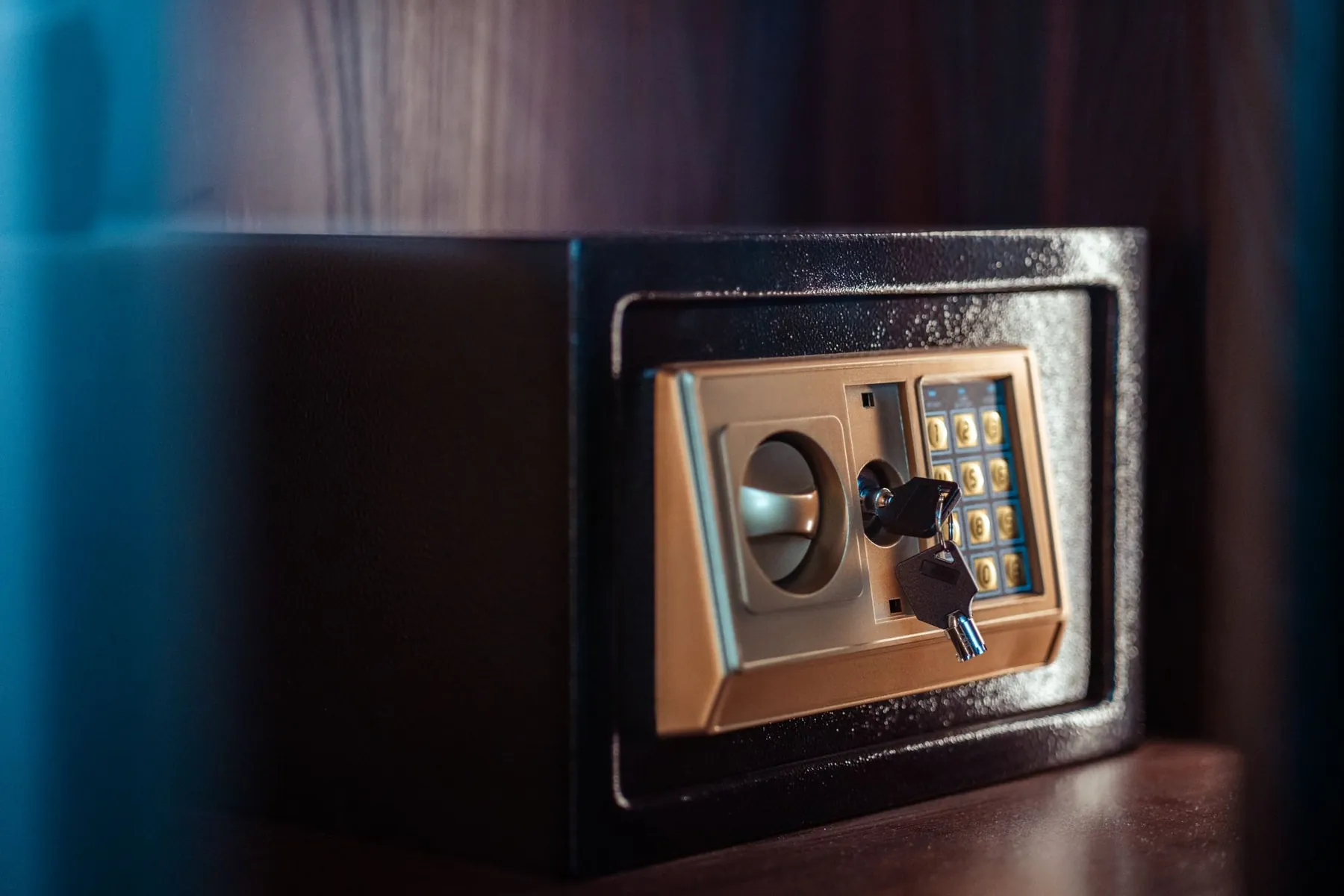
Choose who can open it
Every upload starts private. When you share, pick the smallest circle that works.
| Level | Who can open it | Good for |
|---|---|---|
| Private | Only you | Ideas, unfinished beats, anything that isn't ready |
| Invite only | Only the people you invite, once they sign in | A song before its release, a beat on hold for an artist |
| Anyone with the link | Whoever you give the link to, no account needed | Everyday sends to artists |
| For sale | Anyone with the link, who can also buy it | Beats you sell, on Pro and Ultra |
Each beat and each pack has its own level. A track's own link and the pack it sits in are set separately.
A track and its pack are set separately
When you share on vvault, you pick a track or a pack, and each one shows who can open it right now.
A track's own link and the pack it sits in are set separately, so putting a pack out never quietly puts out each track's own link. But anyone who can open the pack can play every track in it. Only put in a pack what you're happy for its listeners to hear.

Before you send an unreleased beat
Leave it private until it's for someone
Everything you upload on vvault starts private. It isn't reachable, listed or indexed anywhere until you share it.
Pick the smallest circle
Anyone with the link for everyday sends. Invite only for the few beats that really can't get out: only the people you invite can open them, and they have to sign in first.
Send it person by person
Paste the link in a DM, or email it from vvault so each listener is named.
Watch who plays it
vvault tells you when someone plays it. A name you don't know, or listeners you can't place, is a sign the link got passed on.
Close it when you're done
Set the beat or the pack back to private. The link stops opening for anyone but you.
Habits that keep a beat from getting out
Don't post it before it's out
A full unreleased beat on your story, a livestream or a public page is out for good. Tease a few seconds if you want, once the artist is fine with it.
Keep files out of group chats
A file sent to a group goes to everyone in it, and stays there long after the chat goes quiet.
Lock the app too
With people around in a session, an open laptop is an open catalog. A PIN makes vvault ask for it when you open it on the web. Lock your account down in five minutes.
Keep a dated record
vvault's timestamp certificate, on every plan, is a dated PDF with your file's SHA-256 fingerprint. If a beat gets out, it's a record that you had this exact file on that date.
What no setting can stop
Once someone can hear a beat, they can record it. No app can stop a phone held up to a speaker.
What the settings do is keep the circle small, and show you who was in it. So send unreleased music to people you'd trust with it anyway, and keep the rest private until it's ready.
If a beat gets out anyway, on Pro and Ultra, WaveMatch looks for your beats in released songs and shows you the ones it recognises, so you can catch it.
Questions
Do artists need a vvault account to listen?
No. Only an invite-only link asks them to sign in.
If I share a pack, are the tracks inside it public too?
Their own links aren't: a track's own link and the pack it sits in are set separately. But anyone who can open the pack can play what's in it.
Can I take a link back after I've sent it?
Yes. Set the beat or the pack back to private, and the link stops opening for anyone but you. What someone already downloaded or recorded stays with them.
Is my music stored safely on vvault?
Your audio sits in private storage, and every play goes through a signed link that expires. The security page has the details, including what vvault doesn't have yet.
Sources
Where the facts on this page come from.
Read next
How vvault protects your account
What already protects your account, and a five-minute checklist to lock it down.
Read
How to prove a beat is yours
What counts as evidence that you made a beat, and when, and what a timestamp certificate does and doesn't do.
Read
See who played the beats you send
What a play tells you, what it doesn't, and how to follow up with the people who pressed play.
ReadNever wonder who listened again.
Pro or Ultra, monthly or yearly. Cancel anytime.
Photos: Raul Ling, khezez | خزاز, George Becker, cottonbro studio and Harvey Tan Villarino on Pexels